
Looking for help?
-
Getting Started
-
Install and Launch ADE
-
System Menu
-
Font Management
-
Toolbars
-
HMI Design Flow
-
Page
-
Widget Properties
-
- Name
- Checkbox
- Drop down list
- Plain Text
- Number Editor
- Font Selector
- Color Selector
- Alignment Selector
- Page Selector
- Register Selector
- Register Operation Setting
- Block Editor
- Image Collection Management
- Visibility Control
- Blending Mode Selector
- Open File Dialog Box
- Image Editor Dialog Box
- PlainTextArray Table Dialog
- Format String
- Label Display Mode
- Frame Selector
- Input Data Selector
- MessageBox Selector
- FileArray Table Dialog
- Event Setting
- Show Remaining Articles (10) Collapse Articles
-
-
Widgets
-
- Slider Switch
- Click Button
- Press/Release Button
- Momentary Push Button
- Generic Push Button
- Generic Latching Button
- Generic Button
- Multiple State Button
- Image List
- Animation
- Scrolling Label
- Date/Time Label
- Image Label
- Digits
- Circular Progress Bar
- Circular Meter
- Generic Progress Bar
- Horizontal Slider
- Vertical Slider
- Touch Area
- Bitmap Image
- Rotation Image
- Data Chart
- Generic Gauge
- Circular Scale
- Circular Gauge
- LED
- Palette
- Flexible Label
- Show Remaining Articles (14) Collapse Articles
-
< All Topics
Print
Register Operation Setting
PostedMarch 18, 2024
UpdatedMarch 18, 2024
Byadminrdk
Views2
Enable Register Operation
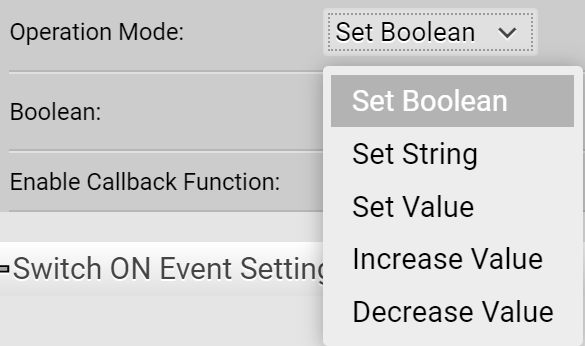
Set Boolean
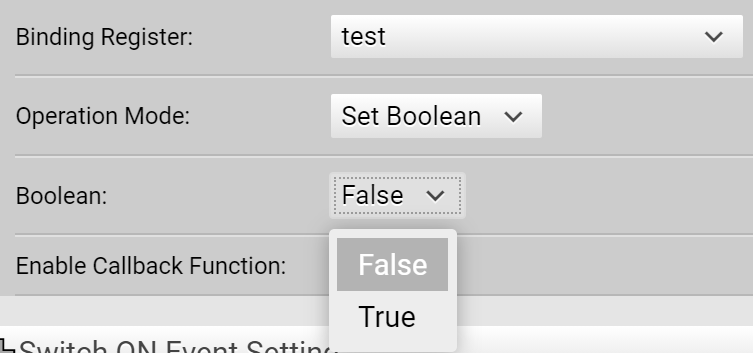
The register takes true/false boolean value. The register type must be Boolean.
Set String
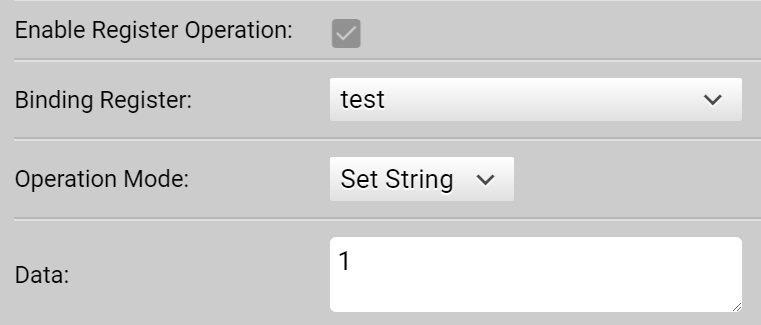
Assign a string to the register. This register type must be String.
Set Value
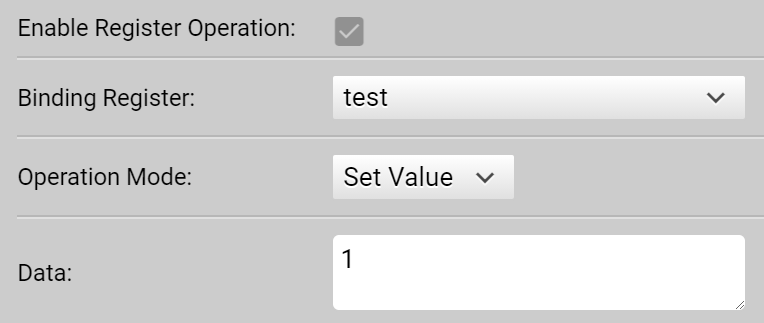
Assgin an integer or a float-point value to a register. The register type must be Integer or Floating Point Number.
Increase/Decrease Value
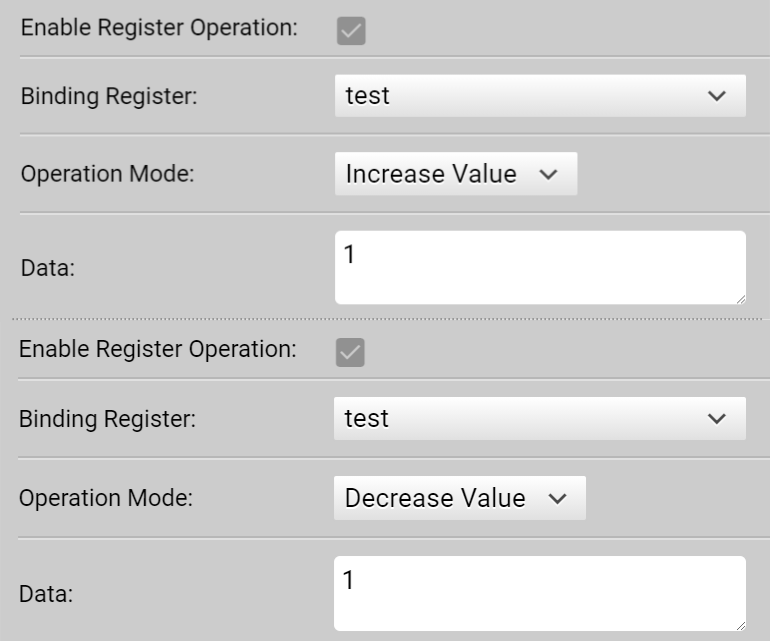
Perform increment or decrement operation on the register. The increment/decrement value can be an integer or a float-point number. The register type must be Integer or Floating Point Number.
Table of Contents